Forgot your password? No worries, it happens.
To reset your password:
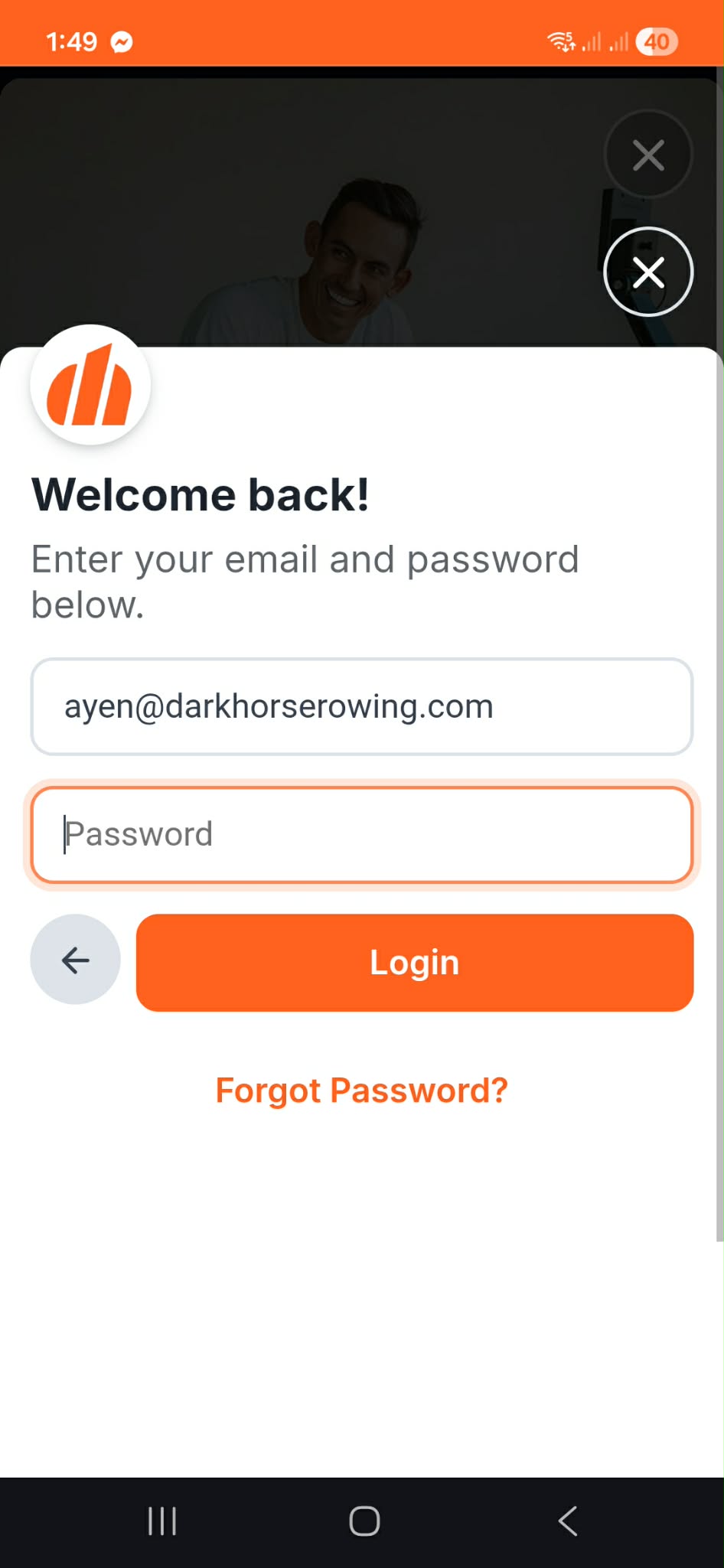
- Go to the login page
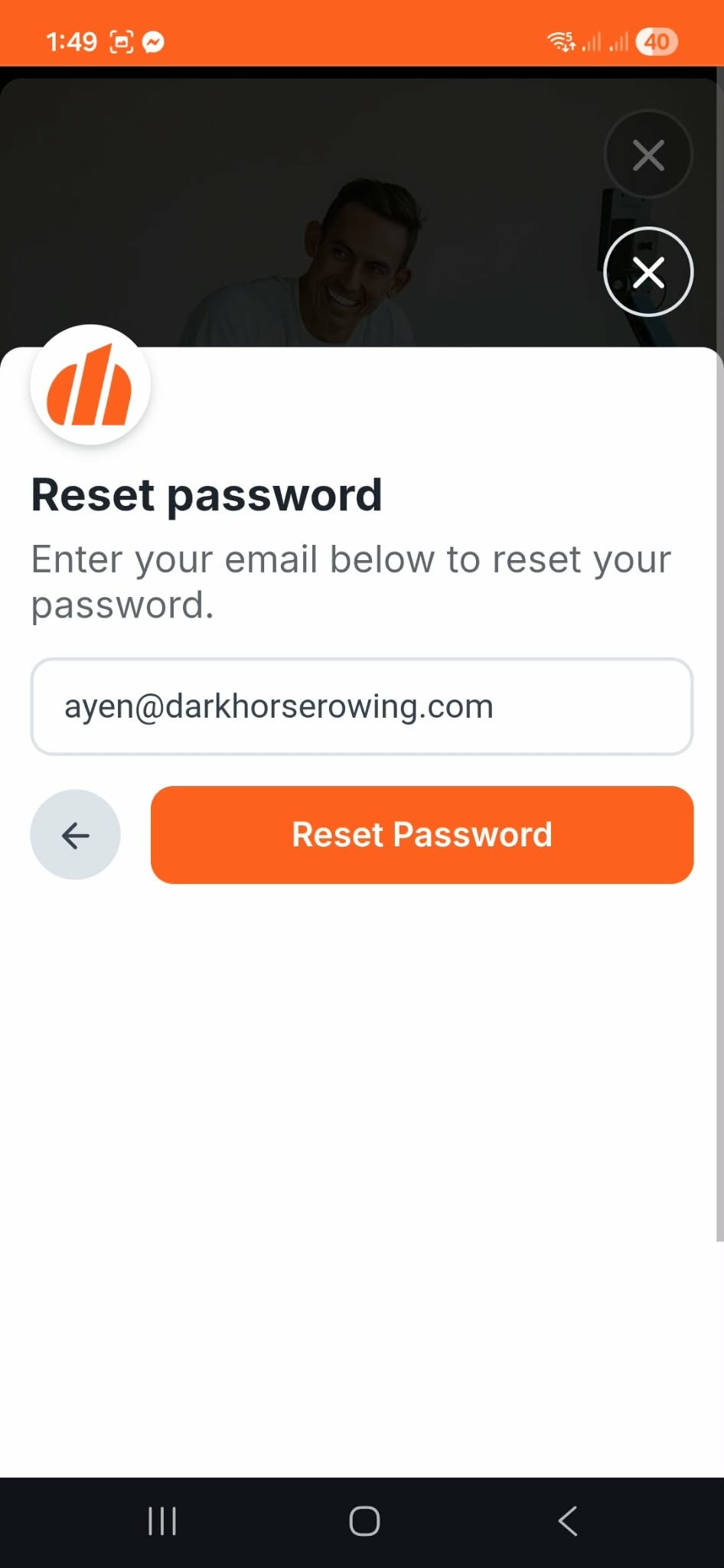
- Enter your email address
- Click Forgot Password
If the email address matches an account, we’ll send you a password reset email right away.
Create a New Password
Once you receive the email:
- Open the password reset email
- Click the reset link
- Create a new password
- Save your changes
Didn’t Receive the Email?
If you don’t see the reset email within a few minutes:
- Check your spam or junk folder
- Make sure you entered the correct email address
- Try submitting the request again
Still Need Help?
If you’re still having trouble resetting your password, contact us at support@darkhorserowing.com and we’ll help you get back on track.
Was this article helpful?
That’s Great!
Thank you for your feedback
Sorry! We couldn't be helpful
Thank you for your feedback
Feedback sent
We appreciate your effort and will try to fix the article