Where should I start?

Modified on Sat, 9 May at 10:13 AM

Welcome to Dark Horse Rowing!


If you’re new to rowing or getting back on the erg after some time away, we recommend starting with the 8-Week Start Here Program. This beginner-friendly program is designed to help you learn the fundamentals of rowing, learn the four basic parts of the rowing stroke: the catch, drive, release, and recovery, practice drills and skills to improve your technique, build confidence, and create a consistent rowing routine step-by-step.


You can find the 8-Week Start Here Program  directly on the app homepage.


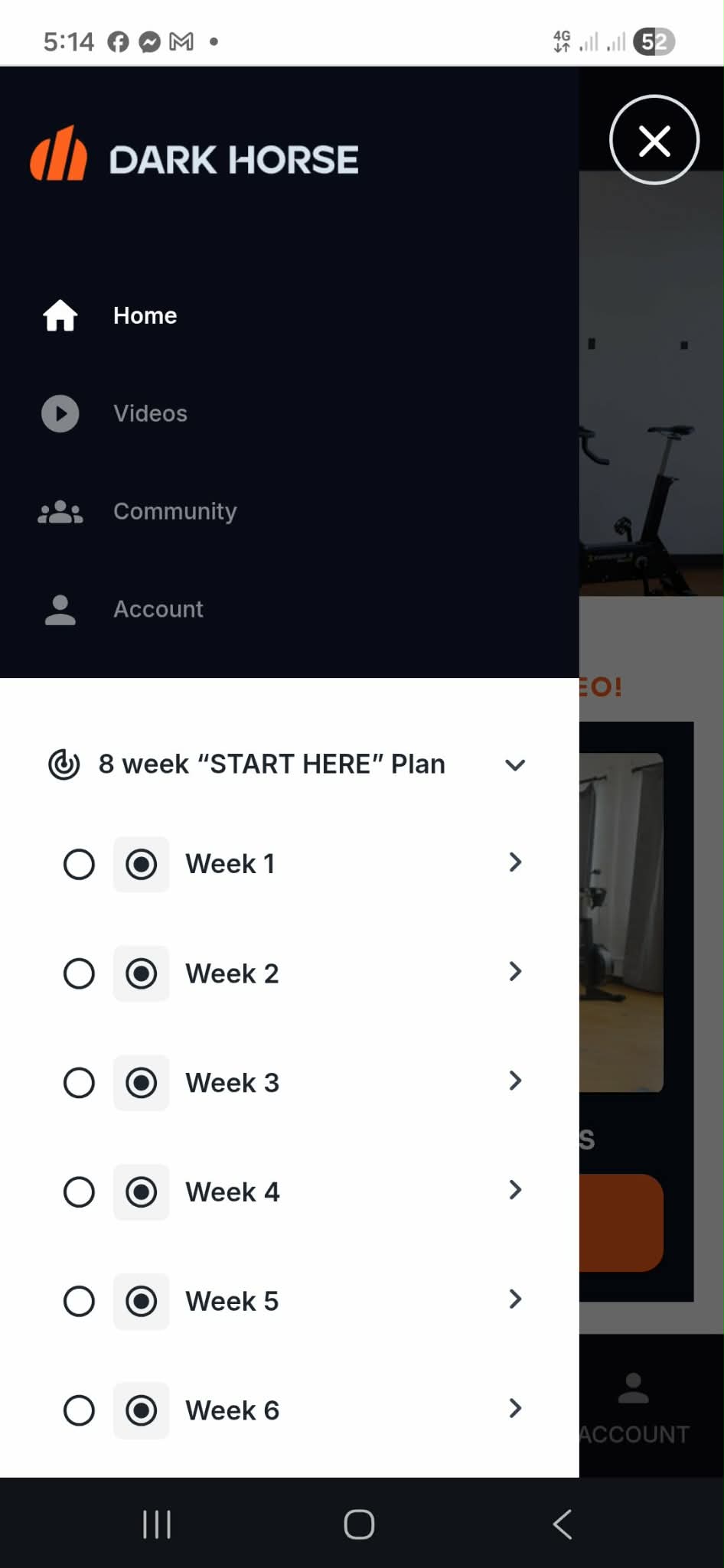
How to Find the Start Here Program

  1. Open the Dark Horse Rowing app
  2. Log into your account
  3. From the homepage, click the hamburger menu
  4. Select 8-Week Start Here Program
  5. Click Join Program
  6. Start with Week 1, Day 1

We recommend following the workouts in order for the best experience.


What Does the Program Include?


Before You Begin

We recommend reading through the entire workout before starting so you understand the structure, drills, and workout flow for the day.


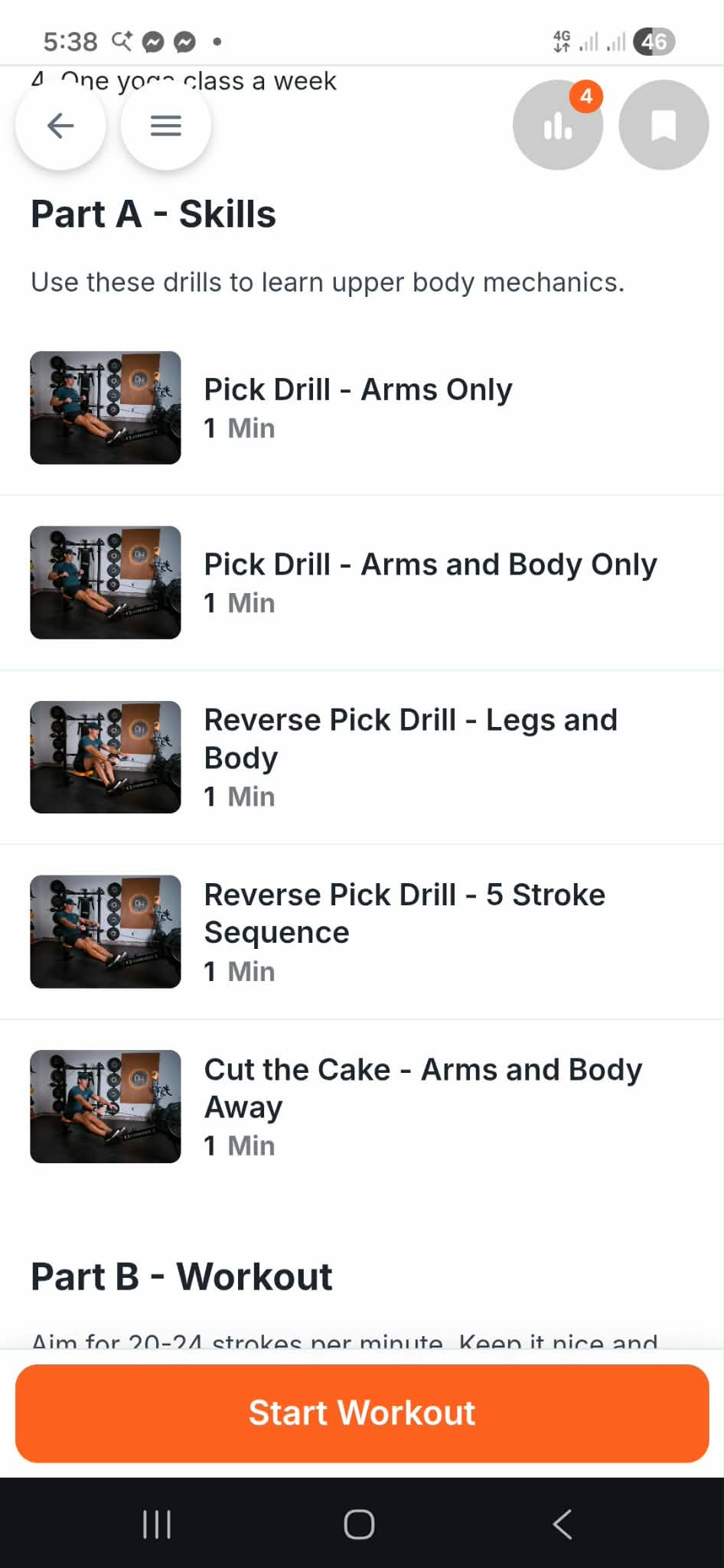
Part A: Skills

You’ll work on rowing drills and technique development to better understand body positioning, stroke sequencing, and rowing mechanics.

Examples include:

  • Arms-only drills
  • Body swing drills
  • Reverse pick drills
  • Stroke sequencing exercises 


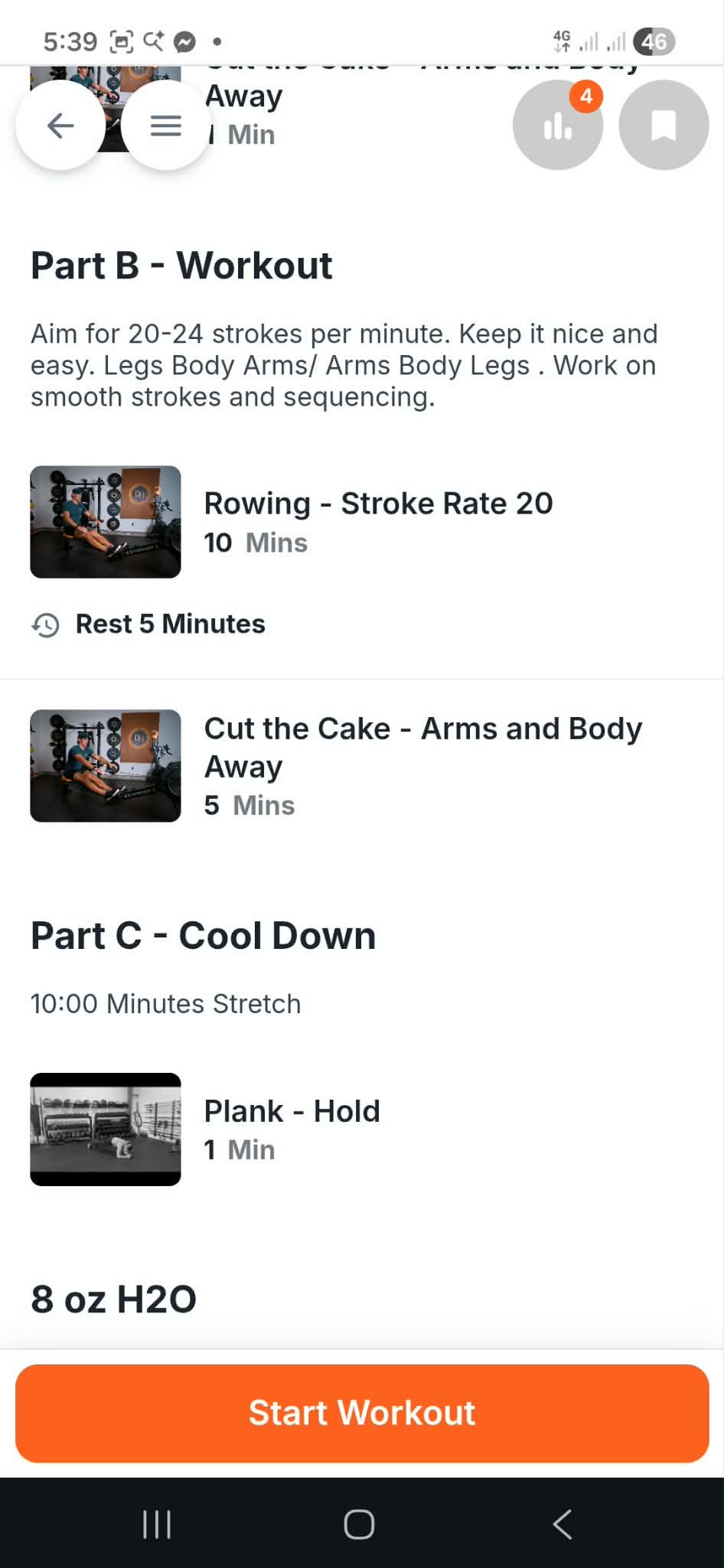
Part B: Workout

This section focuses on applying the skills you learned during the drills into steady rowing workouts while building endurance and consistency.

You’ll also learn:

  • Stroke rate guidance
  • Rhythm and timing
  • Smooth rowing transitions
  • Workout pacing 


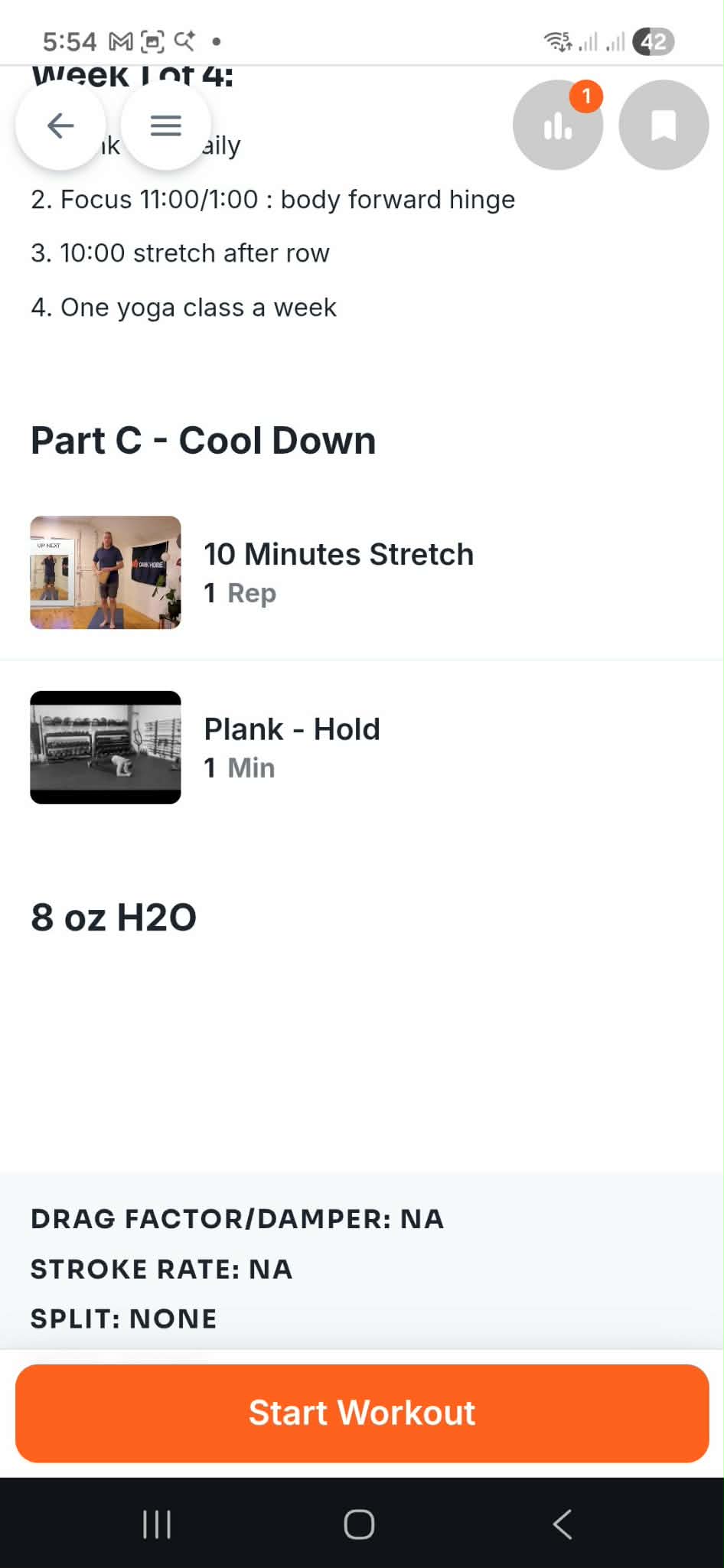
Part C: Cool Down

Each session ends with recovery work, including stretching and mobility exercises to help support recovery and long-term progress.


It will also remind you to drink water and stay hydrated after your workout.


Program the Workout to Your Concept2 Monitor

If you use a Concept2 rower, you can use the orange Program the Monitor button to automatically send the workout to your PM5 monitor.

To use this feature:

  1. Make sure your ErgData app is installed on the same device
  2. Open ErgData and connect it to your rower
  3. Return to the workout in the Dark Horse Rowing app
  4. Tap the orange Program the Monitor button

The workout portion (Part B) will automatically be programmed into your monitor.


Starting and Recording Your Workout

You can also tap the orange Start Workout button to:

  • Open the workout timer
  • Track your workout manually
  • Record or edit your workout results

Once you complete the workout:

  1. Tap Finish Workout
  2. Review or edit your results if needed
  3. Tap Done

You’ll then see the daily check-in section where you can:

  • Track your energy levels
  • Add notes about your workout
  • Record anything you want to remember for the day

When finished, tap Accept and then Submit.


Additional Tips

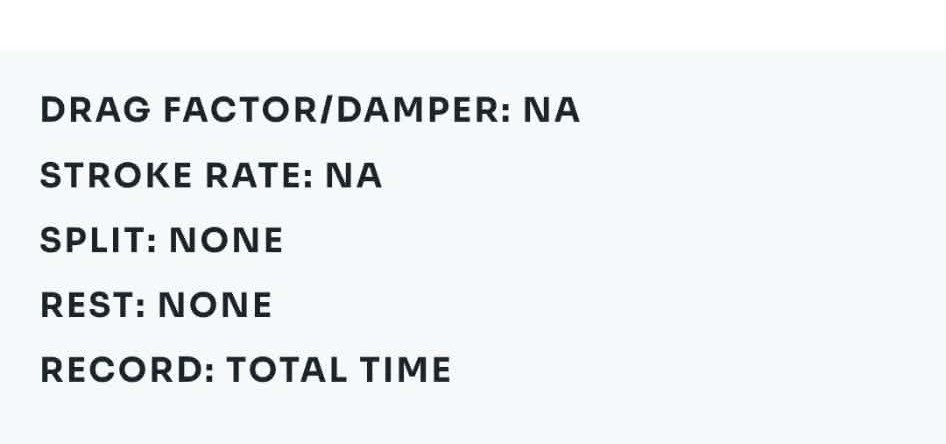
At the end of Part C, you’ll see a workout summary that includes:

  • Drag factor/damper setting
  • Stroke rate
  • Split
  • Rest time
  • Total workout time


Still Need Help?

If you’re still experiencing issues or have additional questions, please contact us at support@darkhorserowing.com and our team will be happy to assist you.


Was this article helpful?

That’s Great!

Thank you for your feedback

Sorry! We couldn't be helpful

Thank you for your feedback

Let us know how can we improve this article!

Select at least one of the reasons
CAPTCHA verification is required.

Feedback sent

We appreciate your effort and will try to fix the article